STEP 01
Customer identification
Scan an ID or passport, capture a facial image and complete configured fingerprint or mobile OTP verification.

BANKING AUTOMATION · CASH HANDLING · RETAIL
Banking automation and retail technology to support cash operations, customer service, branch efficiency and point-of-sale workflows. Product models and integrations are confirmed against each project requirement.
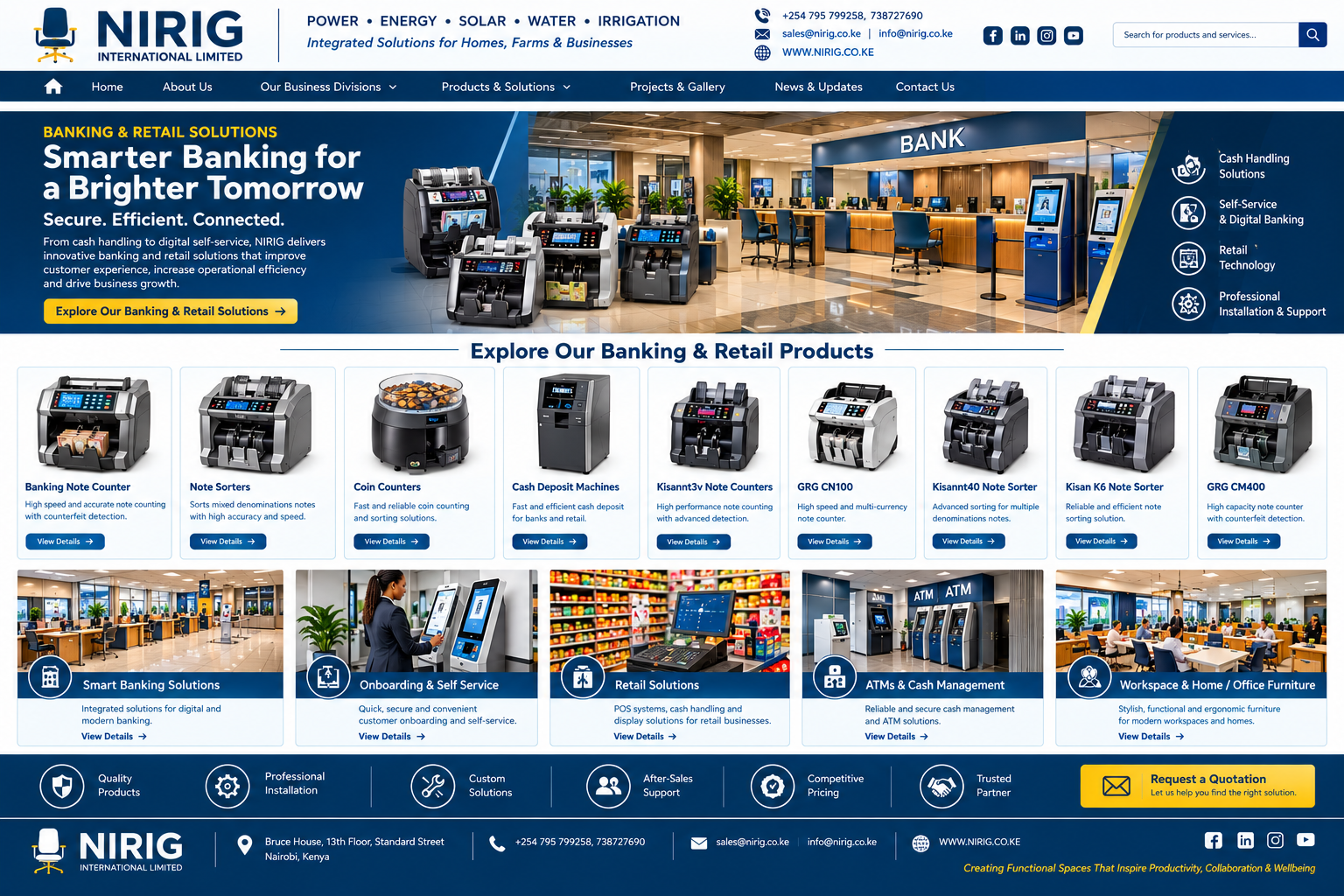
NIRIG PRODUCT RANGE
Browse representative solution categories below. Specifications, configurations, pricing and lead times are confirmed at quotation stage.
 Smart Banking Solutions
 Onboarding & Self-Service
 Retail Solutions
 Explore Workspace & Home / Office Furniture
Loading product categories…
Tell us your application, quantity, location and preferred specifications.
Talk to NIRIG Sales ↗BANKING SELF-SERVICE AUTOMATION
A guided self-service journey that can combine customer registration, digital KYC, banking-system integration and card issuance in one configured platform. Indicative end-to-end process time: 5–10 minutes, subject to bank controls, customer verification, connectivity and integration readiness.
SIX-STEP CUSTOMER JOURNEY
STEP 01
Scan an ID or passport, capture a facial image and complete configured fingerprint or mobile OTP verification.
STEP 02
Collect personal details, photograph, signature and required supporting documents for the bank’s approved checks.
STEP 03
Send a secure request to the core banking platform to create a customer profile and account, subject to approval and validation.
STEP 04
Where configured, dispense and encode an EMV debit card, link it to the approved account and complete issuance checks.
STEP 05
Support the bank-approved encrypted PIN-entry and verification process using appropriately certified components.
STEP 06
Activate configured mobile or internet banking services and send relevant SMS or email notifications where enabled.
CONFIGURABLE HARDWARE
Final peripherals are selected to match the bank’s customer journey, security policy, accessibility needs and operating environment.
19–24 inch touchscreen, guided kiosk application and accessible user interface options.
ID/passport reader, A4 document scanner, facial image capture, fingerprint reader and digital signature pad as required.
EMV card dispenser/encoder, card collection or return functions, NFC/contactless reader and thermal receipt printer where specified.
Encrypted PIN pad (EPP), QR-code scanner and other approved input devices. Applicable PCI-related requirements must be verified for the selected configuration.
SOFTWARE & SYSTEMS
Customer-facing workflows for registration, KYC, account opening, card issuance and service activation.
API gateway, transaction orchestration, message queues and security controls. REST APIs and JSON/XML exchange may be supported where agreed.
Integration with core banking, card management, KYC/AML and notification systems using interfaces approved by the bank and vendors.
Solution design should address encryption in transit and at rest, access controls, audit trails, transaction monitoring, physical tamper safeguards and secure handling of personal and biometric data. Specific certifications, PCI requirements, data-protection obligations and regulatory suitability must be validated for the exact hardware, software, hosting model and deployment.
DEPLOYMENT & DELIVERY
Potential deployment settings include bank branches, approved offsite service centres, rural service points with suitable connectivity, and corporate or institutional onboarding environments.
1. Requirements discovery · 2. Workflow and interface configuration · 3. Security and compliance review · 4. Pilot and acceptance testing · 5. Deployment, training and support.
Important: Process times, instant card issuance and 24/7 availability are configuration-dependent and are not guaranteed performance claims. Final bill of materials, model specifications, certifications, warranty, service levels, pricing and implementation schedule are confirmed during solution design.
Discuss a banking self-service project with NIRIG ↗CONSULT · SUPPLY · INSTALL · SUPPORT